Short Answer
Welcome to your ultimate guide on crafting a Quick Reference Guide Quiz & Quotes! Whether you’re looking to engage your audience, test their knowledge, or simply add a dash of fun to your content, this guide will walk you through the essentials. You’ll learn how to design interactive quizzes, curate thought-provoking quotes, and seamlessly blend them into a cohesive reference guide. By the end, you’ll have the tools to create a resource that’s both informative and entertaining.
Understanding the Purpose of a Quick Reference Guide Quiz & Quotes
A Quick Reference Guide Quiz & Quotes is a dynamic tool designed to educate, entertain, and challenge your audience. Unlike static reference guides, this format incorporates interactive elements—such as quizzes and quotes—to make learning more engaging. Quizzes can test knowledge on a specific topic, while quotes add depth and inspiration. Together, they create a multi-layered experience that caters to different learning styles. For instance, a guide about famous quotes might include a quiz to identify the author or context of each quote, reinforcing the material in a playful way.
Key Components of an Effective Quick Reference Guide
To build a successful guide, focus on these core components:
- Clear Structure: Organize your guide into sections, such as an introduction, quiz questions, and a quotes collection. Use headings and bullet points for easy navigation.
- Engaging Content: The quiz should be concise but challenging, with questions that spark curiosity. Quotes should be relevant and thought-provoking, adding value to the topic.
- Visual Appeal: Incorporate images, icons, or infographics to break up text and make the guide visually appealing. For example, use a
 to illustrate the layout of your guide.
 - Interactive Elements: Embed quizzes directly into the guide using tools like Google Forms or interactive PDFs. This allows users to participate without leaving the page.
Designing a Playful Quiz to Test Knowledge
Quizzes are the heart of your guide, offering a fun way to reinforce learning. Start by defining the topic—whether it’s famous quotes, historical events, or pop culture trivia. Craft questions that range from easy to challenging to cater to all skill levels. For example:
- Multiple Choice: “Who said, ‘To be or not to be’?” (Options: Shakespeare, Einstein, or Da Vinci).
- True or False: “The quote ‘Carpe Diem’ means ‘seize the day.’” (Answer: True).
- Fill in the Blank: “‘The only thing we have to fear is ______ itself.’ — Franklin D. Roosevelt.”
To add a playful twist, include a scoring system or a leaderboard to encourage friendly competition. You can also add a timer to increase the challenge, making the quiz more engaging for competitive users.
Curating Quotes That Inspire and Educate
Quotes are the soul of your guide, providing wisdom, humor, or motivation. When selecting quotes, ensure they align with your guide’s theme. For a quiz about famous quotes, consider categorizing them by author, era, or theme (e.g., love, success, or perseverance).
To make quotes more interactive, pair them with questions or scenarios. For example:
“The greatest glory in living lies not in never falling, but in rising every time we fall.” — Nelson Mandela
Question: What lesson does this quote teach about resilience?
You can also include a mix of well-known and lesser-known quotes to surprise your audience. For visual appeal, use 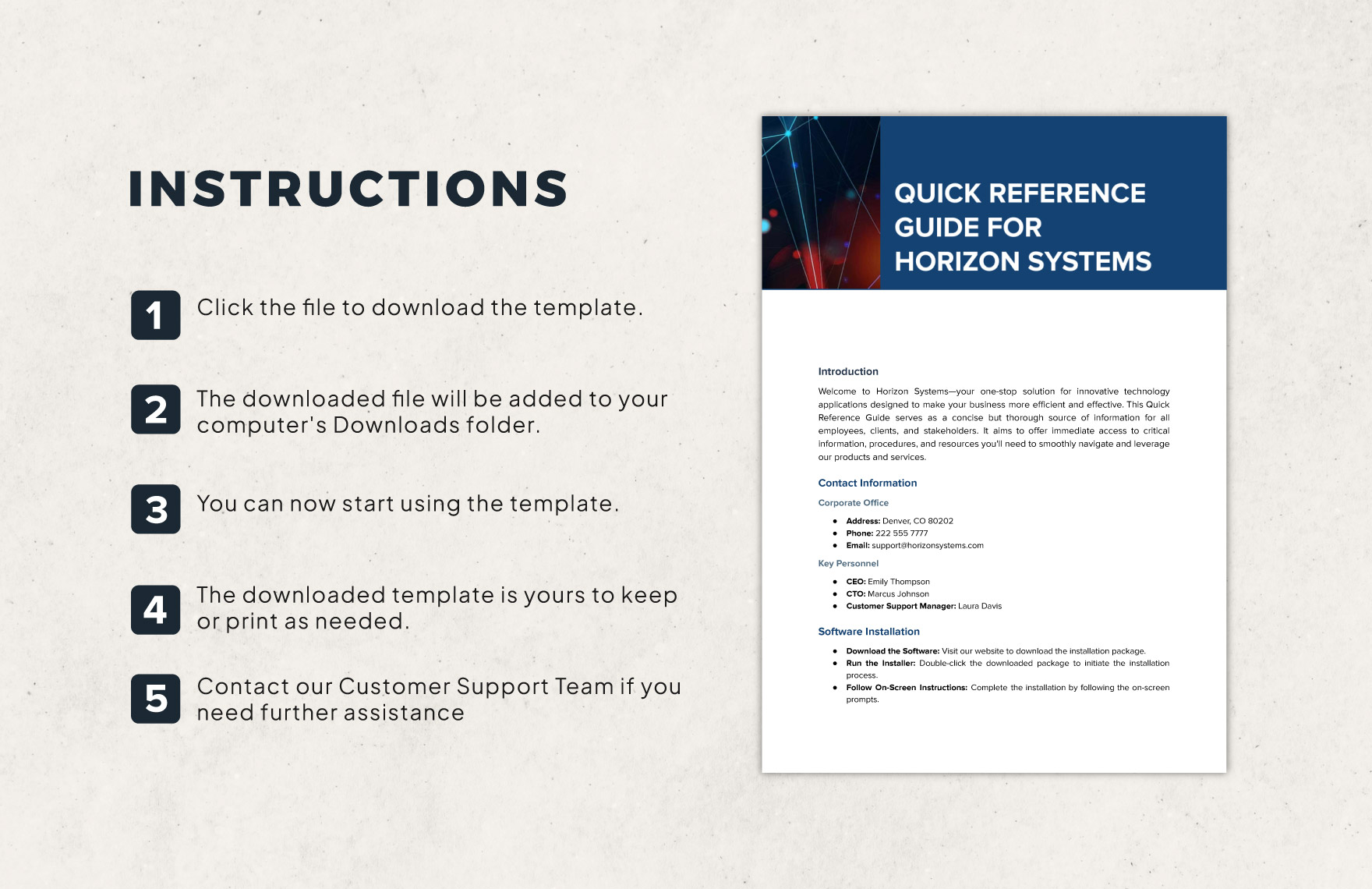 to showcase how quotes can be formatted in your guide.
Challenges to Consider When Creating Your Guide
While designing your Quick Reference Guide Quiz & Quotes, be mindful of these potential challenges:
- Balancing Fun and Education: Ensure the quiz is challenging enough to be engaging but not so difficult that it frustrates users. Similarly, quotes should inspire without overwhelming the reader.
- Technical Hurdles: Embedding interactive quizzes may require basic coding knowledge or third-party tools. Test your guide on multiple devices to ensure compatibility.
- Content Relevance: Avoid including outdated or irrelevant quotes or quiz questions. Keep your content fresh and aligned with your audience’s interests.
- User Experience: A cluttered guide can deter users. Use white space, clear fonts, and intuitive navigation to enhance readability.
Tools and Resources to Bring Your Guide to Life
Leverage these tools to streamline the creation process:
- Quiz Builders: Platforms like Google Forms, Typeform, or Quizizz allow you to create interactive quizzes without coding.
- Design Tools: Canva or Adobe Spark can help you design visually appealing templates for your guide. Use their templates to maintain consistency.
- Quote Databases: Websites like BrainyQuote or Goodreads offer vast collections of quotes categorized by theme or author.
- Collaboration Tools: Tools like Trello or Notion can help you organize ideas, quotes, and quiz questions in one place.
Examples of Quick Reference Guide Quizzes & Quotes in Action
To inspire your own guide, here are a few examples:
- Literary Quotes Quiz:
Test your knowledge of classic literature with a quiz on famous book quotes. Pair each quote with a question about the author or the book’s plot. For example:
“It was the best of times, it was the worst of times.” — Charles Dickens
Question: Which novel does this quote come from?
- Motivational Quotes Challenge:
Create a guide focused on motivational quotes, with a quiz that asks users to match the quote to its source or meaning. Include a scoring system to track progress.
- Pop Culture Trivia:
Design a quiz about famous movie quotes or song lyrics. For example:
“May the Force be with you.” — Star Wars
Question: Which character said this iconic line?
Conclusion
A Quick Reference Guide Quiz & Quotes is more than just a collection of facts and quotes—it’s an interactive experience that educates and entertains. By combining quizzes with thought-provoking quotes, you create a guide that appeals to a wide range of users, from students to professionals. Remember to keep your content engaging, your design clean, and your challenges balanced. With the right tools and creativity, your guide can become a go-to resource for anyone looking to learn while having fun. Start brainstorming your topic today and bring your Quick Reference Guide Quiz & Quotes to life!
FAQ
What is a Quick Reference Guide Quiz & Quotes?
It's an interactive resource combining quizzes and quotes to educate and engage users.
How can I create a quiz?
Use quiz builders like Google Forms or Typeform to create interactive quizzes.
Leave a Reply